What the Gerber format is, the differences between Gerber X2, RS-274-X and RS-274-D, and how to package and view Gerber files for PCB manufacturing.
 Onlitex Engineering Team1 min read
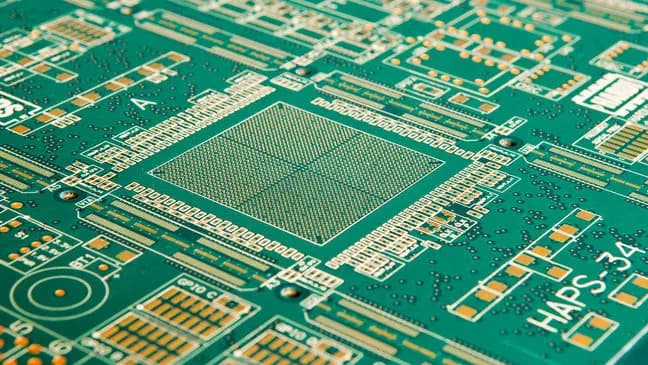
Originally developed by a company called Gerber, the Gerber format is now a widely accepted standard used by PCB industry software. It describes the images of a board, such as the conductor (copper) layers, solder mask layers and legend layers.
Gerber format versions
There are currently three versions of the Gerber format:
- Gerber X2: the newest Gerber format, which includes stackup data and attributes.
- RS-274-X: an extended version of the Gerber format that has been widely used.
- RS-274-D: the oldest version of the Gerber format, which is gradually being replaced by RS-274-X.
How to send and view Gerber files
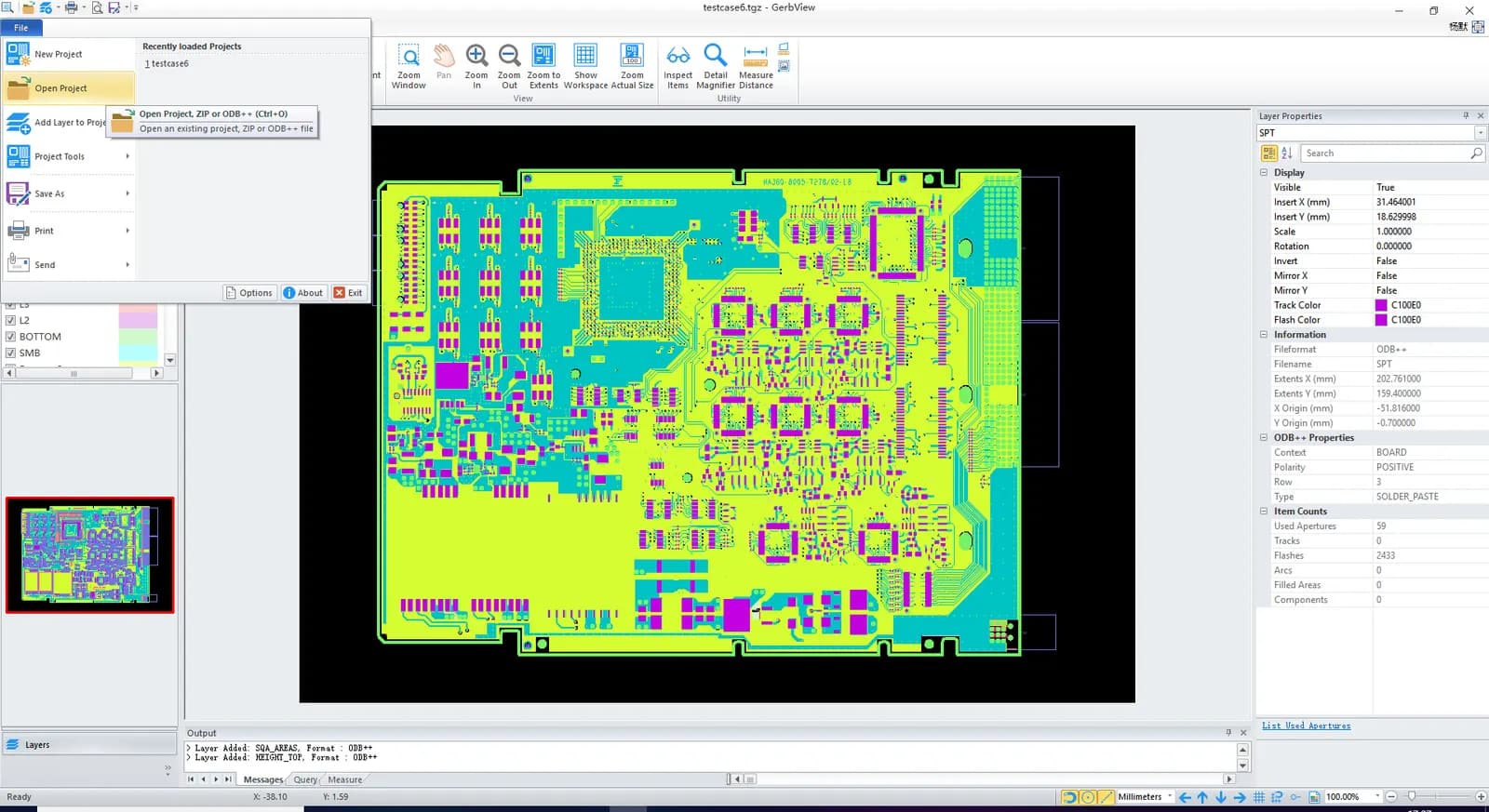
Gerber files should be packed in a .rar or .zip archive, using standard file extensions. To view the PCB layout, open the files in GerberView software and click File > Open Project.
To find out which other files are needed, read what files you need for a PCB assembly quote.
- #Gerber files
- #PCB design
- #PCB manufacturing